
Back office and e-invoicing for repair services
Repair service software: quotes, invoices and open accounts.
Bi'Bulut keeps a repair service's quotes, parts and labour receipts, e-Invoices and open accounts in one panel.
- 14 days free
- No card required
- Cancel anytime
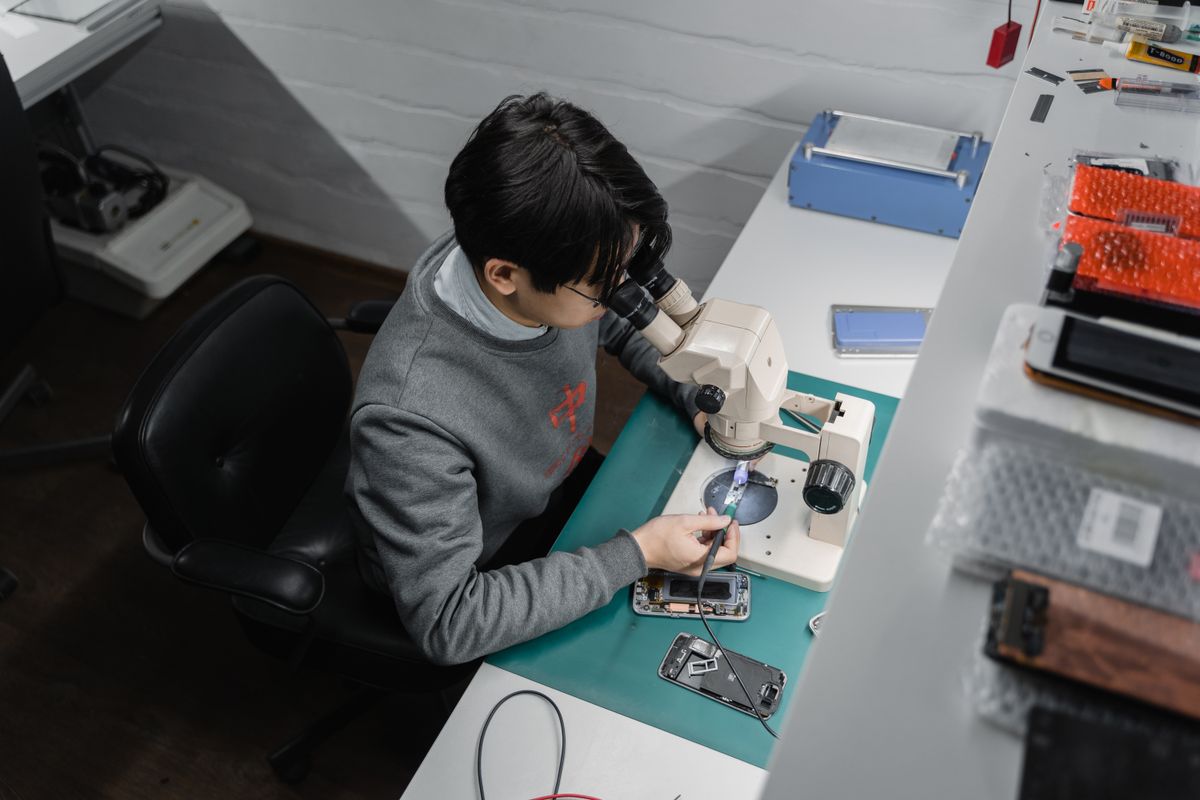
The service's quotes, invoices and open accounts.
Write the quote in the panel once you have seen the fault and hand the customer the PDF. When the job is done, write parts and labour on a receipt and issue the invoice from that receipt; whatever you could not collect shows as an open balance on that customer's card.
Why Bi'Bulut?
This is not a full service management system; it is about the money for finished jobs not getting lost. Before and after:
Your data is safe, compliance handled.
The infrastructure is government-approved, and data is stored encrypted and compliant with data-protection law.
Officially approved
The document you hand the customer is an e-Invoice or e-Archive invoice issued through a licensed integrator and is legally valid.
Data-protection compliant
The addresses and phone numbers of the customers you visit are kept encrypted; the servers are in Türkiye and processing follows regulation.
Users included
With 10 users included, you add a separate user for your technician and for whoever answers the phone in the office.
Cancel when you want
A monthly or yearly plan with the first 14 days free. Cancel when you want; cancelling stops the next renewal and you keep using it until the end of the period you paid for.
Every repair job's money, in one panel.
The quote becomes a PDF, the job goes on a receipt, the invoice comes from the receipt and the remainder runs on the customer's account.
Repair quote
Add a part that does not have to be replaced as an optional item: the price is on the quote but not in the total. Download the quote as a PDF.
Parts and labour receipt
Write the replaced part and the labour on separate lines, each with its own quantity, unit price, discount and VAT.
e-Invoice and e-Archive
Press Invoice on the receipt when the job is done; the items are not typed a second time.
Open accounts
An open-account customer's balance runs on the account card; total debt and credit show when you open it.
Supplier payments
Split what you owe a parts supplier into due dates on the expense record; the next payment to fall due is listed on the due dates screen.
Issued invoices
Keep track of the invoices you have issued in one list, each with its status.
Service appointments
Book the appointment by choosing its technician, time, customer and the job to be done; see the calendar by day, week or month, per technician.
- Wholesale & Dealers
- Manufacturing
- E-Commerce
- Service & Repair
- Consulting
- Construction & Contracting
- Logistics
- Grocery & Retail
A partner that actually helps the repair service.
Bi'Bulut sets up the same record keeping for a single technician doing home visits and for a service with several crews.
Questions on your mind
What repair services ask most. If the answer is not here, leave your number.
What is repair service software, and what does it do?
It keeps the quotes a repair service gives, the parts and labour of each job, the invoices and the payments on record. Bi'Bulut is cloud-based back office software for appliance, air conditioning and electronics repair services: the quote comes out as a PDF, parts and labour go on one receipt, the invoice is issued from that receipt and the remainder stays on the customer's account. It does not keep fault tickets or work orders.
Does it have fault tickets, device serial numbers and work orders?
No. Bi'Bulut covers the money side of a repair: the quote, the parts and labour receipt, the invoice, the payment and the customer's account, plus your expenses. Fault tickets, device and serial number records and work orders are not in the product.
Can I give the customer a written quote after diagnosing the fault?
Yes. You prepare it on the Quotes screen; the panel assigns the number and the PDF ends with a signature and stamp area for the customer. Once the job is done, you write the parts and labour on a sales receipt separately.
Can I issue the invoice from this program when the job is done?
Yes. Pressing Invoice on the saved receipt carries the items over, and the document is issued as an e-Invoice or e-Archive invoice.
Can I keep service appointments here too?
Yes, on the Appointments screen. When you book an appointment you choose the technician, the start and end time, the customer and the job to be done; you see the calendar by day, week, month or as a list, per technician. The appointment notification to the customer goes out on WhatsApp first and, if it does not get through, by SMS.
Put the service's money side in order today.
We'll call you and enter your parts and labour items and your first quote with you.
- Leave your number
- We call you
- We set it up together